- AJ Products IE
- Blog
- Ergonomics in the workplace
- Tired and dry eyes at work? How visual ergonomics can make a difference

Tired and dry eyes at work? How visual ergonomics can make a difference
Creating an ergonomically designed workplace is more important than ever in today’s screen-focused world. One often-overlooked area is visual ergonomics, how our work environment affects our eyes and vision. Poor lighting, screen glare and incorrect monitor positioning can lead to eye strain, fatigue and reduced productivity.
In this article, we’ll explore what visual ergonomics involves, the common problems it can cause, and practical ways to create a healthier, more comfortable workspace.
What is visual ergonomics?
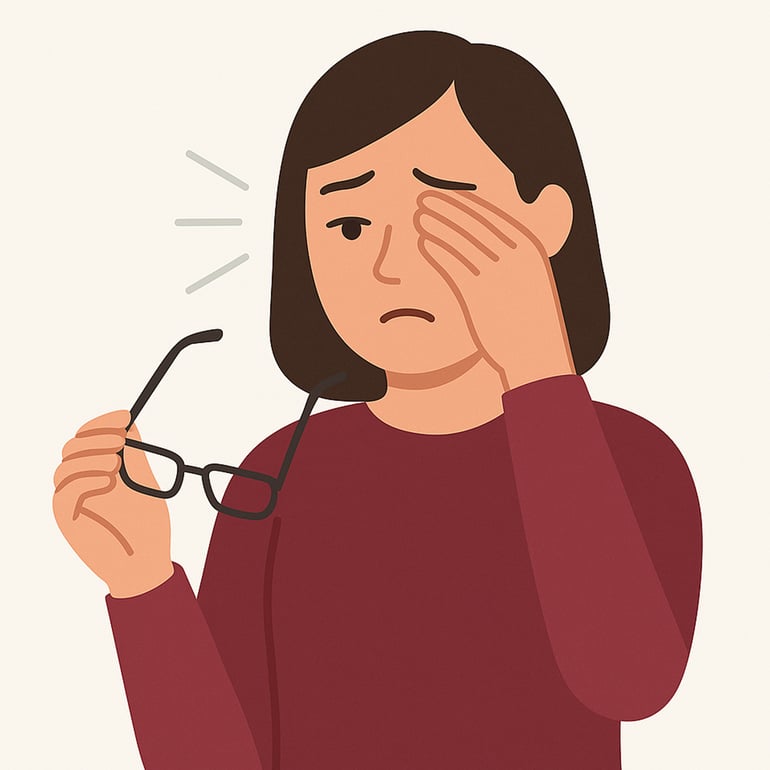
Visual ergonomics is about adapting the work environment to reduce strain on the eyes. It covers factors such as lighting, distance from the screen, monitor positioning, and how to minimise glare and reflections. A well-designed visual ergonomic setup can help prevent common issues like eye strain (asthenopia), headaches and even neck and shoulder pain.
Consequences of poor visual ergonomics
When we strain our eyes more than normal, is not only our vision that is affected, but also the brain, neck and shoulder muscles. This combiniation of visual and physical stress can lead to both mental fatigue and musculoskeletal discomfort, reducing overall wellbeing and workplace productivity. Poor visual ergonomics in the office can result in:
Common eye-related symptoms
Poor visual ergonomics can cause a range of uncomfortable symptoms, including:
- Dry eyes
- Tired or heavy-feeling eyes
- A gritty or “gravel” sensation
- Light sensitivity
- Red or irritated eyes
- Itchy eyes
- Watery (teary) eyes
- General eyestrain or discomfort
Visual function issues
In addition to physical discomfort, poor visual ergonomics can interfere with how the eyes work together, leading to symptoms such as:
- Double vision
- Blurred or unfocused vision
- Difficulty maintaining visual focus
- Seeing coloured halos or rings of light
- Seeing coloured rings around objects or lights
Related musculoskeletal problems
Strained vision doesn’t just affect the eyes, it can also lead to poor posture and muscle tension. This often results in:
- Neck pain
- Pain in the upper buack or between the shoulder blades
-
Headaches and migraines
If you frequently experience eye problems or related symptoms, you should always consult an optician or healthcare professional.
Lighting plays a key role in visual comfort
Good visual ergonomics in the workplace starts with effective lighting. Studies show that a combination of natural daylight and well-designed indoor lighting provides the best conditions for visual comfort. By balancing daylight with strategically placed artificial light, you can create a more pleasant and productive work environment.
There are four main factors to consider when assessing visual ergonomics and how they affect our performance throughout the working day:
Illuminance
- The amount of light that reaches a surface, such as your desk or keyboard
- It's measured in lux (lx)
- Having the right level of illuminance is essential to clearly see what you're working on without straining your eyes. Insufficient lighting can cause discomfort, while overly bright light can lead to glare and fatigue.
Luminance
- The bightness of the surfaces we see, such as screens, walls and desks
- To avoid glare and visual discomfort, the difference in luminance across your field of view should not be too great. For example, a bright monitor against a dark background or poor contrast between screen and ambient lighting can increase eye strain.
Glare
- It occurs when a light source is significantly brighter than its surroundings, such as sunlight through a window or reflections on a computer screen.
- It can lead to reduced visual performance and cause discomfort.
- Minimising glare is important to help prevent eye strain and headaches.
Flicker
- Rapid and often invisible variations in brightness from a light source, commonly found in some fluorescent and LED lights
- Even when not consciously noticed, flicker can affect concentration and contribute to headaches, eye strain and general discomfort.
- Using flicker-free lighting is key to creating a healthier working environment
Explore our ergonomic range of office furniture:
€69.00
Excl. VAT
€359.00
Excl. VAT
€399.00
Excl. VAT
€99.00
Excl. VAT

Top tip: Try the "cap test"
Not sure if your workplace lighting is quite right? Try this simple cap test.
Shield your eyes with your hand over your forehead, as if you're wearing a cap. If your eyes feel more relaxed or the lighting seems more comfortable, it's a clear sign that you're experiencing glare.
Try repositioning the light source or adjusting nearby lighting. Chances are, you're not the only one feeling dazzled.
How to create a better environment for visual ergonomics
With the right products and a basic understanding of ergonomics, it’s possible to design a workspace that reduces eye strain and the negative effects of poor lighting.
Here are some recommended products and practical tips to help you create a more comfortable and visually friendly environment:
The right lighting
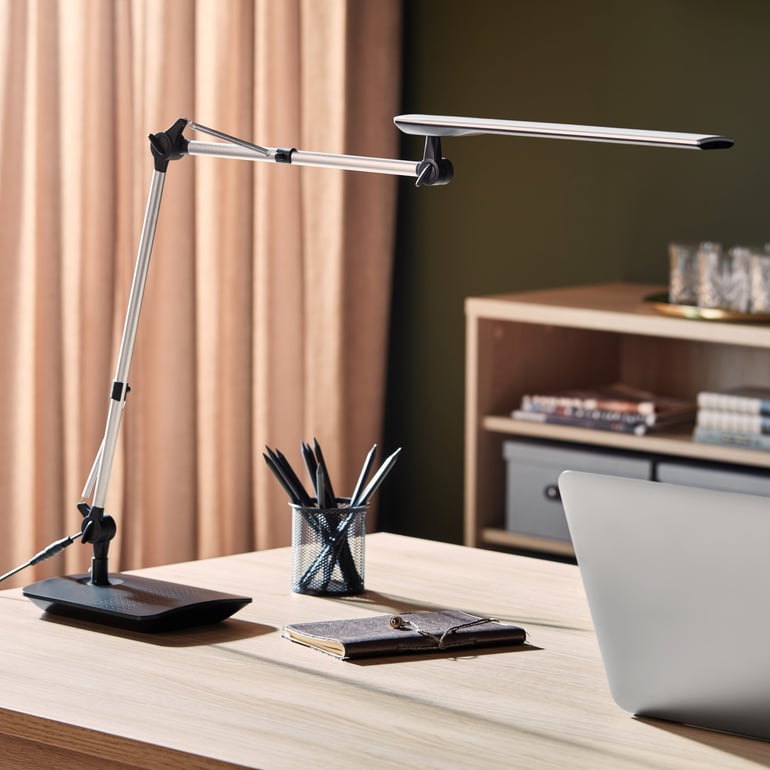
As mentioned earlier, the best lighting combines natural daylight with effective indoor lighting. While most offices today are equipped with good overhead lights, adding an adjustable desk lamp tailored to your needs can make a real difference. Don’t forget to adjust your computer screen’s brightness and contrast to match the ambient light in your workspace.
Optimise your screen
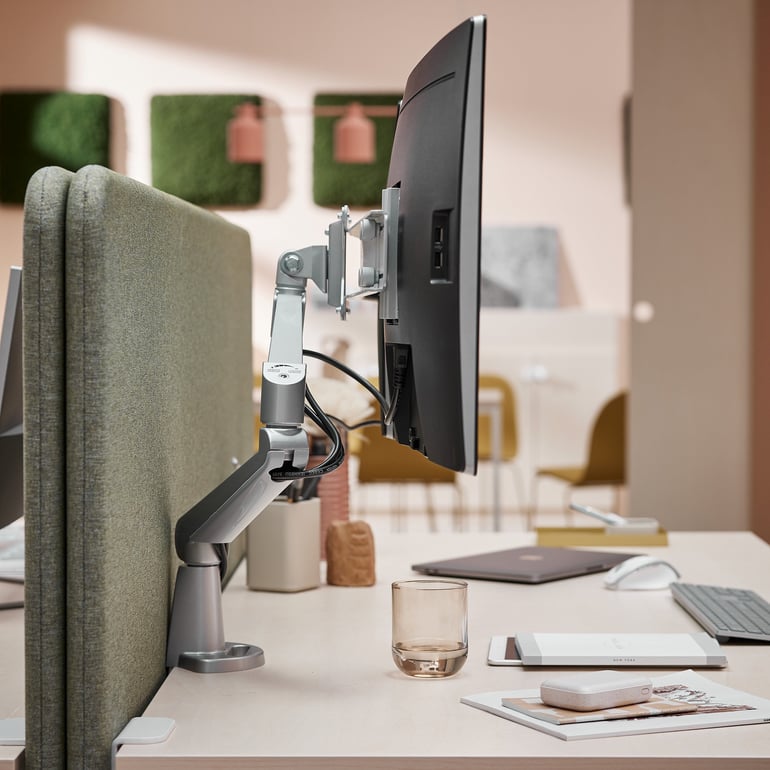
Using a monitor arm makes it easy to adjust your screen to the ideal height, distance and angle. The correct positioning not only reduces eye strain but also helps prevent neck and shoulder discomfort.
As a general guide, your screen should be about an arm’s length away, with the top of the monitor at eye level. Tilting the screen back slightly, around 10 to 20 degrees, can also help minimise reflections and glare.
Take regular breaks - and moisturise
Even with the right lighting and screen setup, it's easy to still get eye fatigue. One simple solution is the classic 20-20-20 rule: every 20 minutes, look at something 20 feet away for 20 seconds. Alternatively, use opportunities like chatting with a colleague to give your eyes a break from the screen. These short pauses help reduce visual strain throughout the day.
It’s also worth keeping lubricating eye drops nearby, especially in dry indoor environments. If the mucous membranes of your eyes dry out, they can start to feel gritty, itchy or sensitive to bright light. Moisturising drops can help keep your eyes protected.

Tips! Don't forget that even a regular height-adjustable desk or standing desk converter can help you improve visual ergonomics by ensuring your desk and monitor are always set at the right height for your eyes. Need to block out light from other desk lamps or nearby screens? Desk screens are a great solution. They help you create a more controlled workspace where you can adjust your screen and lighting without distraction from colleagues.
Summary
Visual ergonomics involves adapting the workplace to reduce eye strain and prevent issues such as headaches, muscle tension, and visual discomfort. Lighting plays a crucial role, a combination of natural daylight and well-planned indoor lighting helps create a more comfortable and productive environment. Proper screen placement is also essential to support healthy computer use.
Finally, taking regular breaks using the 20-20-20 rule, looking at something 20 feet away for 20 seconds every 20 minutes, can significantly reduce the risk of eye fatigue.