- AJ Products IE
- Blog
- Ergonomics in the workplace
- How to create better desk ergonomics
How to create better desk ergonomics
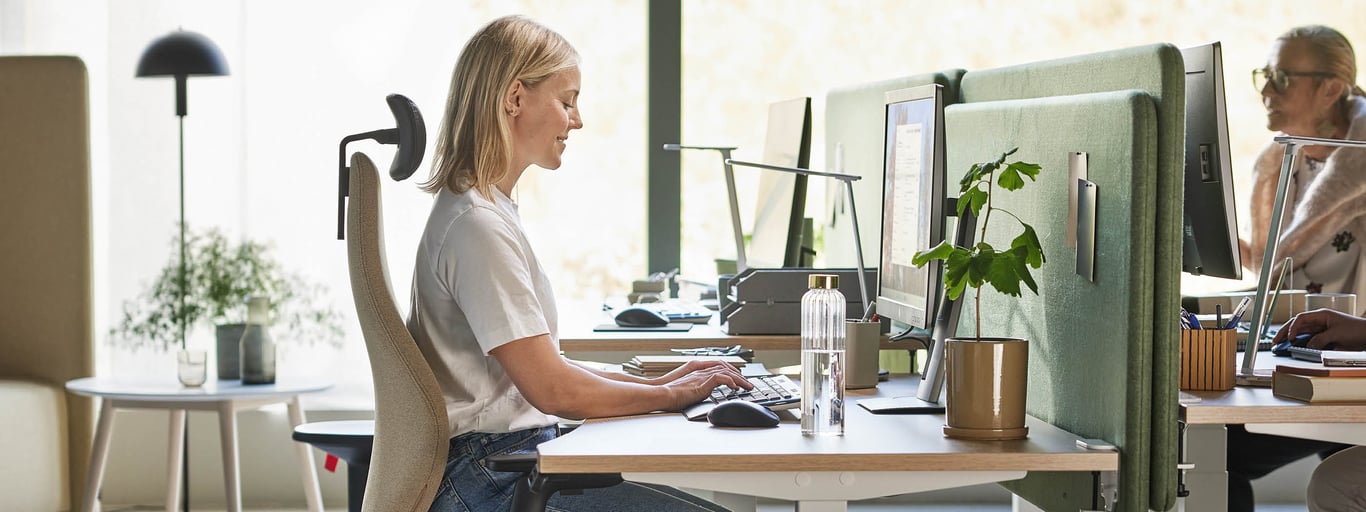
Many people who spend long hours at a computer experience aches and pains. Often, the issue isn't the workload itself, but a workstation that hasn't been properly adjusted to the individual. By investing in good desk ergonomics with adjustable office chairs, sit-stand desks and smart accessories, you can significantly reduce the risk of strain injuries and everyday discomfort. After all, pain does not belong at work, but a well-designed ergonomic workspace certainly does.
Why is desk ergonomics important?
Many of us spend eight hours a day, five days a week, at our desks, often leaning forward with rounded backs and tense shoulders. This can lead to stiffness and pain in the neck, back and wrists, which is very common. In fact, a study by Noroozi et al. (2015) at Jundishapur University of Medical Sciences found that more than a third of office workers reported neck pain, while over half experienced back pain. The impact is significant: lower productivity, more sick days and higher costs for employers. By improving desk ergonomics, you can help lower the risk of strain-related injuries while increasing productivity.
Choose an ergonomic office chair
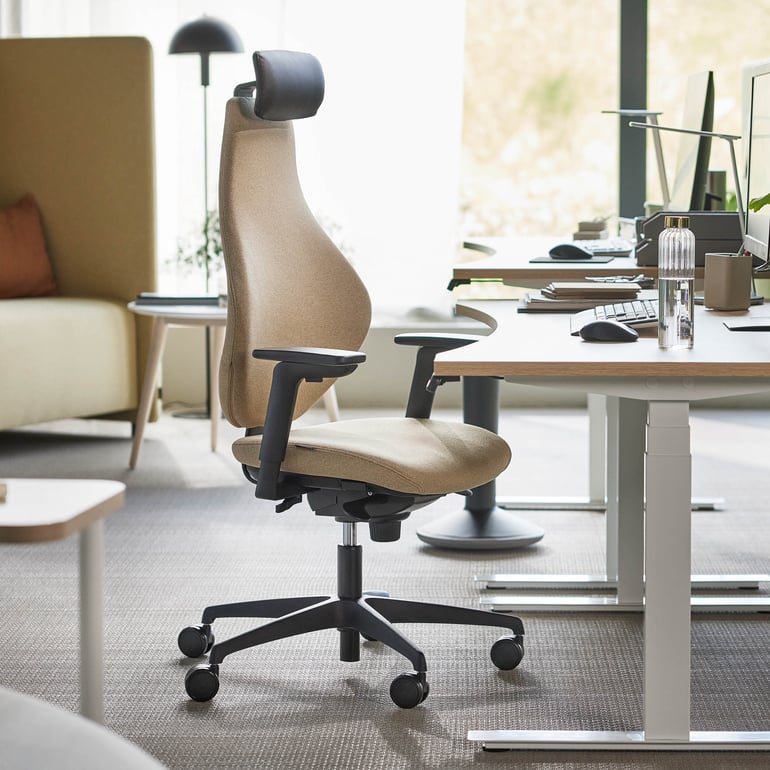
A good chair is the foundation of an ergonomic sitting position. A classic office chair with multiple adjustment options makes it easy to find a position where both your back and legs are properly supported. Armrests that can be adjusted in height and width reduce tension in the shoulders.
How to adjust your chair properly:
- Sit with your feet flat on the floor and your knees at roughly a 90-degree angle.
- Adjust the backrest so it supports the natural curve of your lower back.
- Set the armrests so your forearms can rest comfortably without lifting your shoulders.
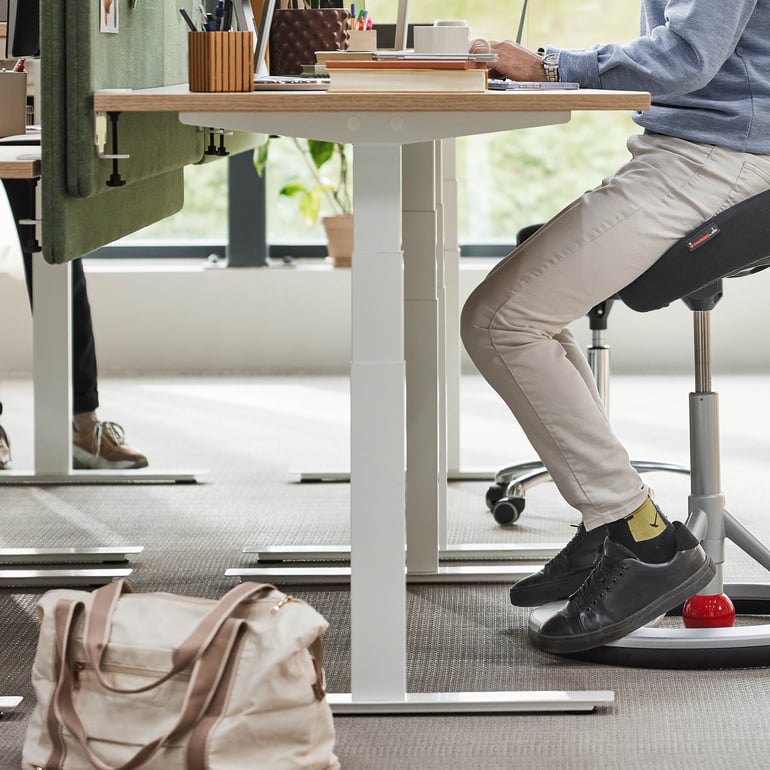
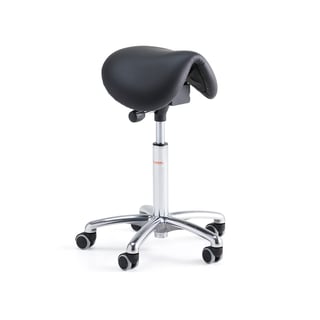
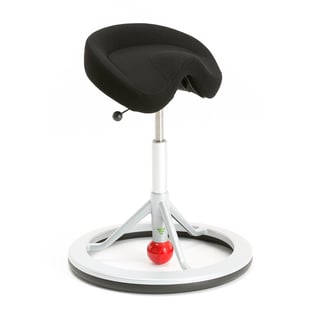
If you want to introduce more movement into your workday, consider adding a saddle chair or an ergonomic balance stool. Both encourage active sitting, engage your core muscles and help promote healthier posture.
The body is made to move, and changing your working position regularly is the key to a healthier working life.”
- Erica von Sicard, licensed physiotherapist and ergonomistThe advantage of an adjustable desk
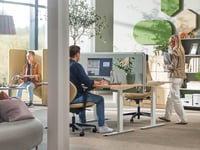
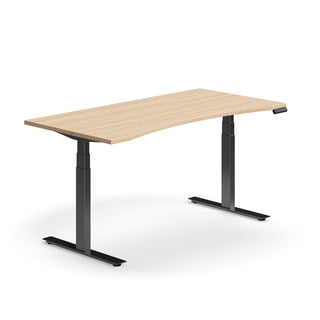
A height-adjustable desk make it easy to adapt the workspace to each employee. Setting the desk at the right height helps reduce strain on the body and supports a healthier and more ergonomic working position. Alternating between sitting and standing throughout the day also boosts blood circulation, prevents stiffness and gives you more energy.
How to find the right height:
- When sitting: elbows should form a 90-degree angle and shoulders should remain relaxed.
- When standing: your forearms should rest lightly on the edge of the desk
- Switch between sitting and standing every 30-60 minutes if possible.
Stay active at your desk
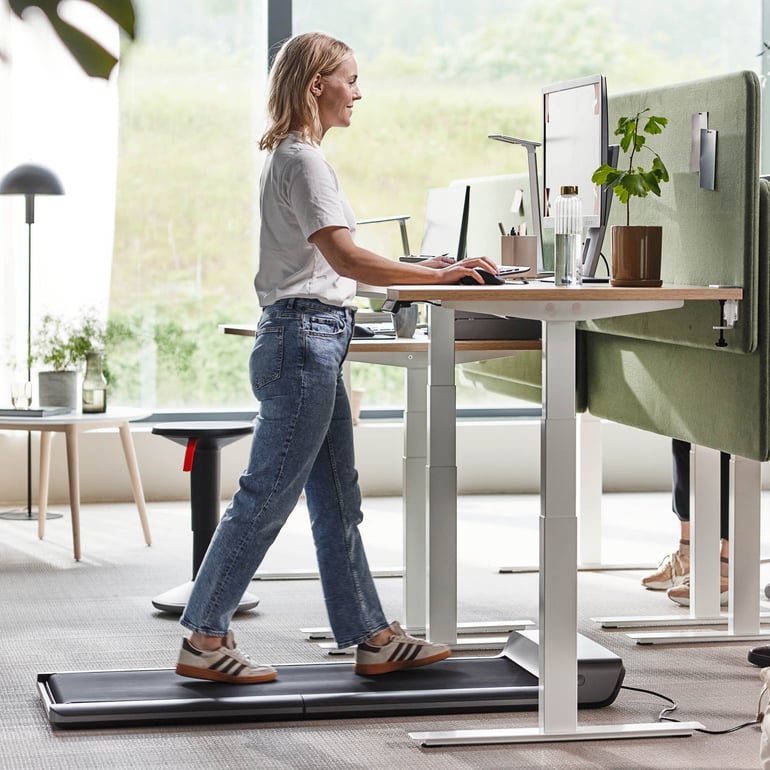
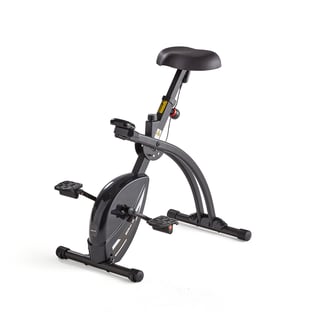
Want to take movement to the next level? A desk bike or desk treadmill, allows you to stay active while you work. Low-intensity activity throughout the day helps boost circulation, improves concentration and keeps your energy levels up, all without disrupting your workflow. It’s a smart way to break up long periods of sitting and feel better in the long run.
Discover our blogs about ergonomics in the workplace






How to position your screen to reduce neck pain
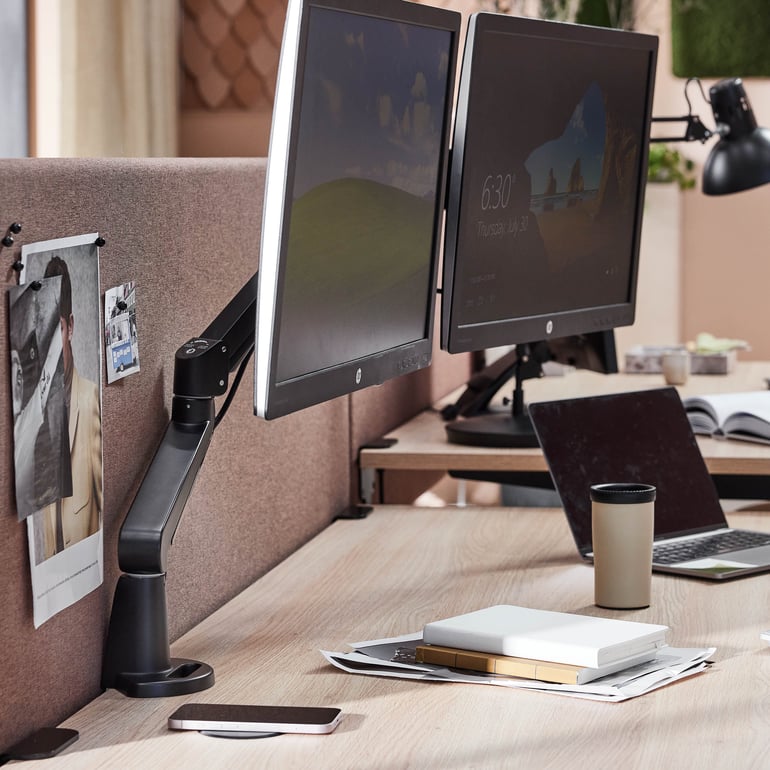
Your screen should be at eye level and about an arm’s length away. If it sits too high or too low, you are likely to bend your neck or lift your chin, which quickly leads to tension and discomfort. A monitor arm makes it easy to adjust height and distance so that your gaze remains slightly downward and relaxed.
Relieve strain on arms and wrists
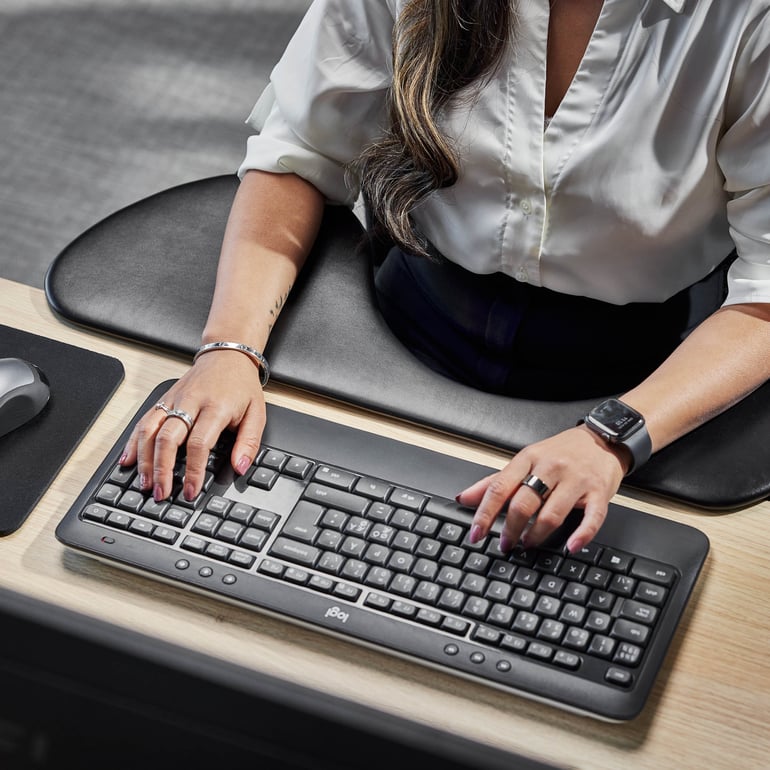
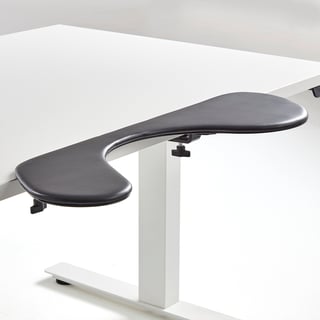
Your forearms should rest lightly on the desk to prevent tension in your wrists. A forearm support helps to relieve pressure and keeps your arms in a natural, relaxed position. This reduces shoulder fatigue and allows you to work more comfortably throughout the day.
Complement with the right accessories
- Footrests are ideal when the chair and desk cannot be fully adjusted. It relieves pressure on the thighs, improve circulation and help you maintain a good sitting posture during longer work sessions.
- A document holder makes it easier to read papers without bending your neck.
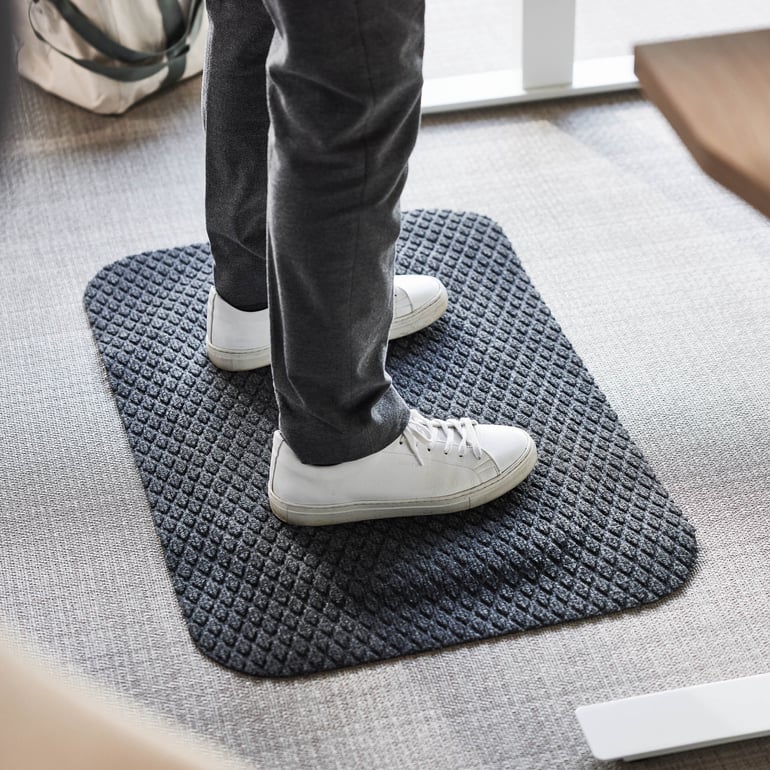
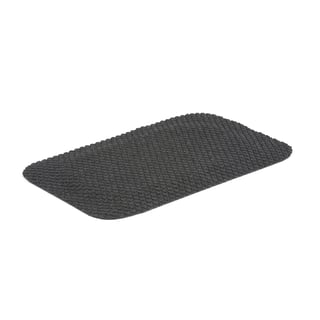
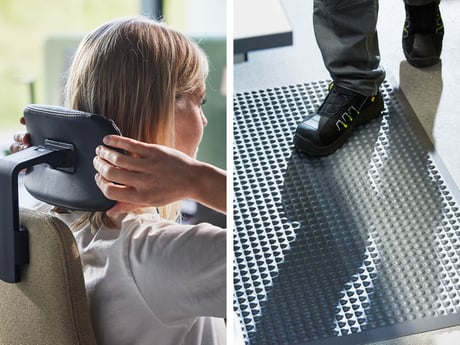
- An anti-fatigue mat for standing desks reduces static strain when standing and makes it more comfortable to work for longer periods in a standing position.
Take short breaks throughout the day
Even the most ergonomic workstation needs movement. Stand up, roll your shoulders or do a few simple stretches right at your desk. Short microbreaks activate your muscles, improve posture and increase blood circulation, making it easier to stay focused all day.

Invest in better desk ergonomics and get up to 15 times your money back
International studies show that ergonomic improvements can deliver an ROI of between 3 and 15 times the investment (Puleio & Zhao, Return on Investment for Ergonomics Interventions, Humanscale, 2015).
Create an ergonomic desk setup with the right products
€359.00
Excl. VAT
€399.00
Excl. VAT
€65.00
Excl. VAT
€745.00
Excl. VAT

€485.00
Excl. VAT
Summary
Good desk ergonomics is not about a single product, but about the overall setup. With an adjustable chair, sit-stand desk, properly positioned screen and smart accessories, you can create an ergonomic desk setup that prevents pain and gives you more energy throughout the day. Add variety and regular movement breaks for a workday that is both healthier and more productive.
Need help? Ask our experts!
We at AJ Products are always available to help you with solutions suited just for your business. Contact us if you have questions on the choice of fabric, need some inspiration or want to know the alternatives that would best suit your premises. We can then tell you more about your choices.Discover our blogs about ergonomics in the workplace
FAQ
- It’s about adapting your chair, desk, screen and accessories to your body to reduce strain and prevent pain.
- A good sitting position means keeping your feet flat on the floor, your knees at a 90-degree angle and your lower back supported. Your forearms should rest comfortably on the desk. This is the foundation of an ergonomic sitting posture.
- When sitting, the desk should be at a height where your elbows are at about 90 degrees and your shoulders relaxed. When standing, the same principle applies: your elbows should rest comfortably at a 90-degree angle on the desktop. A height-adjustable desk makes it easy to switch positions and maintain good desk ergonomics.
- It reduces static strain when standing and makes it more comfortable to work for longer periods. It’s an essential accessory for good office ergonomics.
- Yes. Office ergonomics is also about variation. Alternate between sitting, standing and taking short movement breaks throughout the day.
- Yes. Research shows that ergonomic improvements can yield a return of three to fifteen times the investment through fewer sick days, increased productivity and better health (Puleio & Zhao, Return on Investment for Ergonomics Interventions, Humanscale, 2015).
Get the latest product launches and offers sent direct to your inbox
Do you want to receive exclusive offers, information about new products and inspiration on how you can improve your workplace? Sign up for our free newsletter and be the first to receive our best offers.*By clicking subscribe, I confirm that I have read the privacy policy.